Or point and click
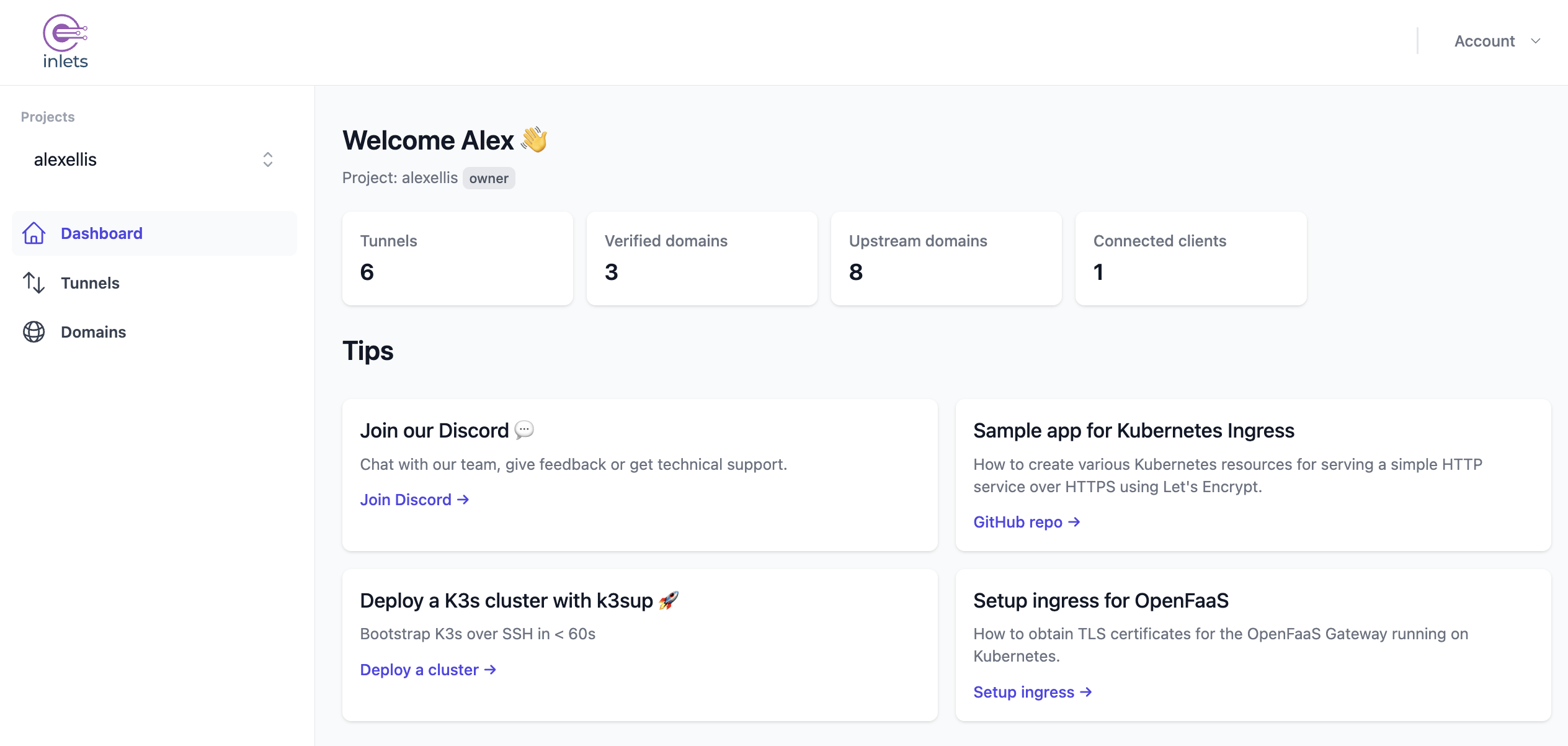
A dashboard for everything else.
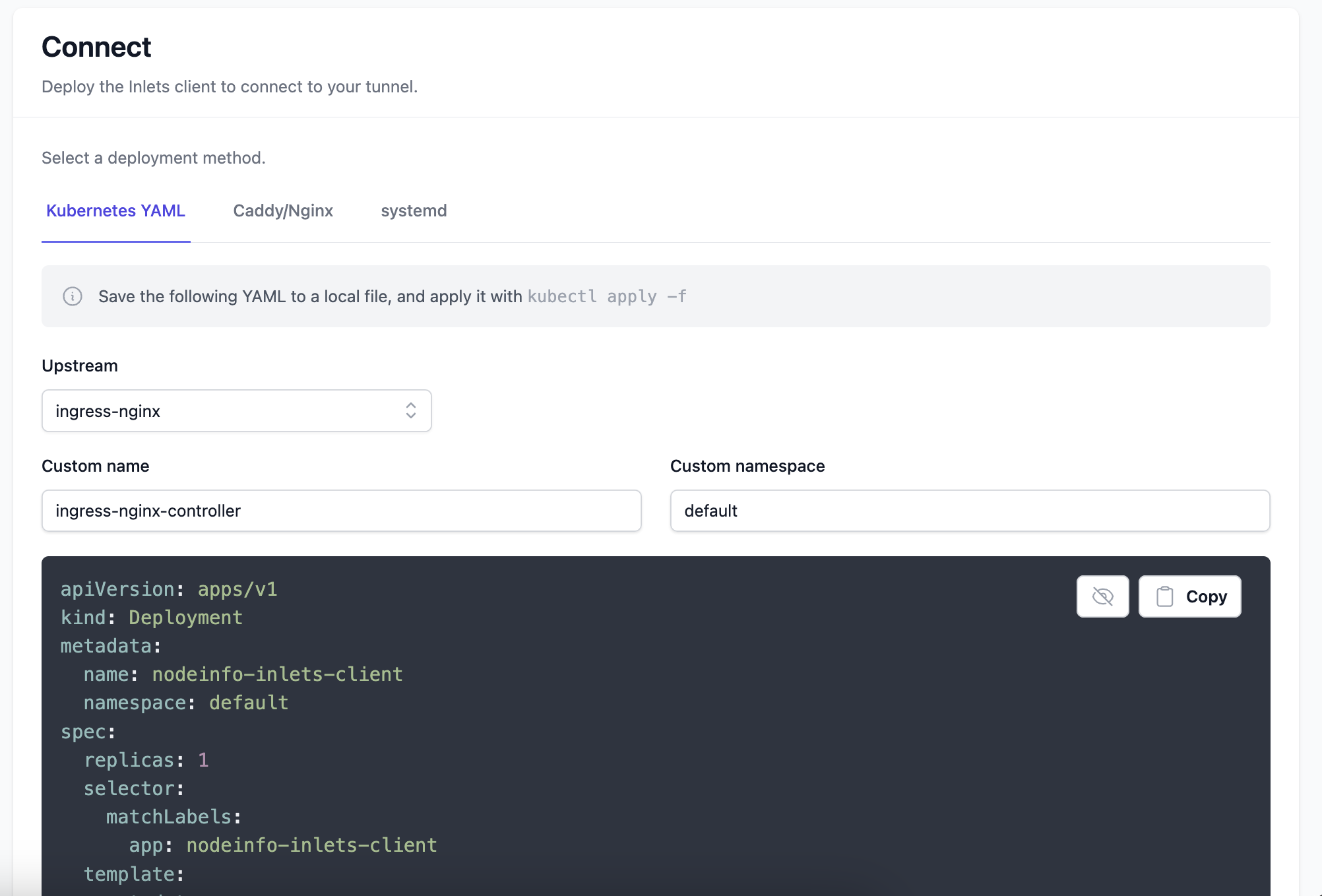
Create tunnels, verify domains, and watch usage from one place. When it's time to connect, copy a CLI command, a systemd unit, or Kubernetes YAML.
Inlets Cloud
Managed tunnels for your local network. Bring your domain and we run the tunnel servers, with instant TLS and no infrastructure to maintain. Every tunnel is driven by a headless CLI, so your AI agents and automation can stand one up on demand.
With one prompt, your agent creates a tunnel, connects your service, and hands back a live URL. No console clicks.
What you can expose
Point a tunnel at anything on your network, whether a web app, a reverse proxy, a Kubernetes cluster, or an SSH host, and share it over a fast, low-latency connection with automated TLS.
Expose Caddy, Nginx, and Traefik with a public HTTPS address.
Verify a domain once, then add as many tunnels under it as you need.
Connect Kubernetes Ingress or Istio to the Internet with generated YAML.
SSH into any host on your network with sshmux.
Fast connections from EU and US regions, close to your users.
Help and updates from the team and community via Discord.
Headless by design
Every tunnel is a single command. Provision, list, and connect entirely from the CLI, so automation and AI agents can stand up a public endpoint on demand and tear it down when the job is done.
# Create a tunnel in an EU region
$ inlets-pro cloud create kotori --region cambs1

# List your tunnels and their URLs
$ inlets-pro cloud ls
kotori   cambs1   online   https://kotori.cambs1.tryinlets.dev

# Connect a local service and go live
$ inlets-pro cloud connect kotori --upstream http://127.0.0.1:8080
Or point and click
Create tunnels, verify domains, and watch usage from one place. When it's time to connect, copy a CLI command, a systemd unit, or Kubernetes YAML.